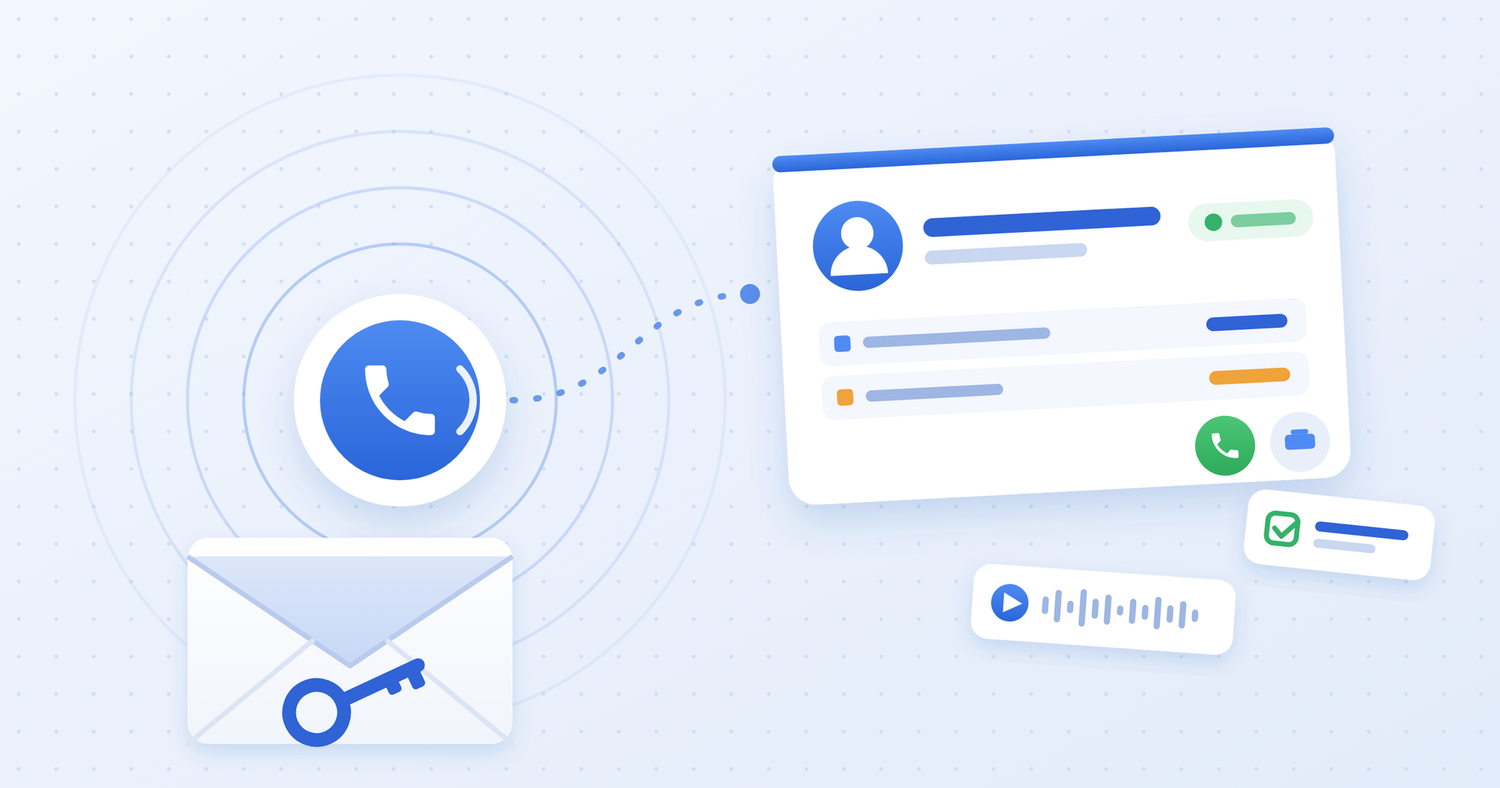
Skynum now integrates with Binotel. If your company uses Binotel, you can now connect calls to customers, orders and tasks in your ERP. Your sales representative can see who is calling, find previous conversations and continue working with the customer in Skynum.
This update brings the choice to 4 telephony integrations and 4 SMS services. Together, they cover everyday customer communication: answering calls, clarifying order details, returning missed calls and sending messages.
CRM capabilities within a Ukrainian ERP platform
Skynum is a Ukrainian ERP platform with actively expanding CRM capabilities for managing customer relationships. Communication history, telephony, SMS and tasks complement sales, purchasing, inventory and financial management. Sales representatives handle customer enquiries in the same system their team uses to manage orders, payments and shipments.
During August and September 2026, Skynum’s telephony offering grew from its initial launch with UniTalk to four integrations, including Binotel. The choice of SMS services is expanding alongside it. These updates steadily extend customer management within the ERP, from the first contact through order fulfilment and the next enquiry.
For Ukrainian businesses, the value lies in giving sales and back-office teams access to the same information. During a conversation, a sales representative checks the customer’s order. After a missed call, the team receives a callback task. A message helps confirm the next step. Customer communication becomes part of fulfilling the order.
What the Binotel integration offers
- Customer information before you answer. When a call comes in, the sales representative sees a call card with customer details and starts the conversation prepared.
- Calls from the customer record. There is no need to copy a number to a phone for an outgoing call: Binotel calls the representative first, then dials the customer.
- Call history and recordings. Skynum shows who spoke to the customer and how long the conversation lasted. The recording helps verify what was agreed.
- Missed-call follow-up. With automatic tasks enabled, a missed incoming call creates a callback task for the team.
- Calls to the assigned representative. Once routing is configured, incoming calls go to the extension of the employee responsible for the customer first.
For example, a customer calls to clarify an order. The sales representative sees who they are speaking to, checks the details and agrees on delivery. If a question about the agreement comes up later, the call recording is available without switching to the Binotel account.
A choice of four telephony services
At the time of this update, Skynum supports integrations with Binotel, UniTalk, Ringostat and Phonet. Your company chooses a service based on its phone numbers, pricing and service terms, while your team handles calls alongside orders and customer records.
For businesses already using Binotel, this connects ERP to their existing phone setup. For companies choosing a business phone system, it provides a broader range of services that work with Skynum.
Four SMS services as well
Skynum supports AlphaSMS, TurboSMS, SMS-fly and UniTalk for customer messaging. Send SMS messages, prepare templates for recurring communications, run bulk messaging campaigns and check delivery statuses.
A phone call helps settle the details, while an SMS keeps essential information handy for the customer. For example, after discussing order collection, a sales representative sends the address and opening hours so the customer can check the message before setting off.
Telephony and SMS work together on the same order: the team agrees on the details with the customer, records the next action and sends the information they need from the ERP.
Get started with Binotel
You will need an active Binotel account with employee extensions configured, along with access to the account owner’s email. Binotel support will provide access keys and enable call events after you configure the integration in Skynum. To route calls to the employee responsible for each customer, ask support to configure routing as well.
Follow the Binotel setup guide to request access keys, configure the integration and arrange call event delivery with support. Once connected, test an incoming call and an outgoing call, then check how missed calls are handled.