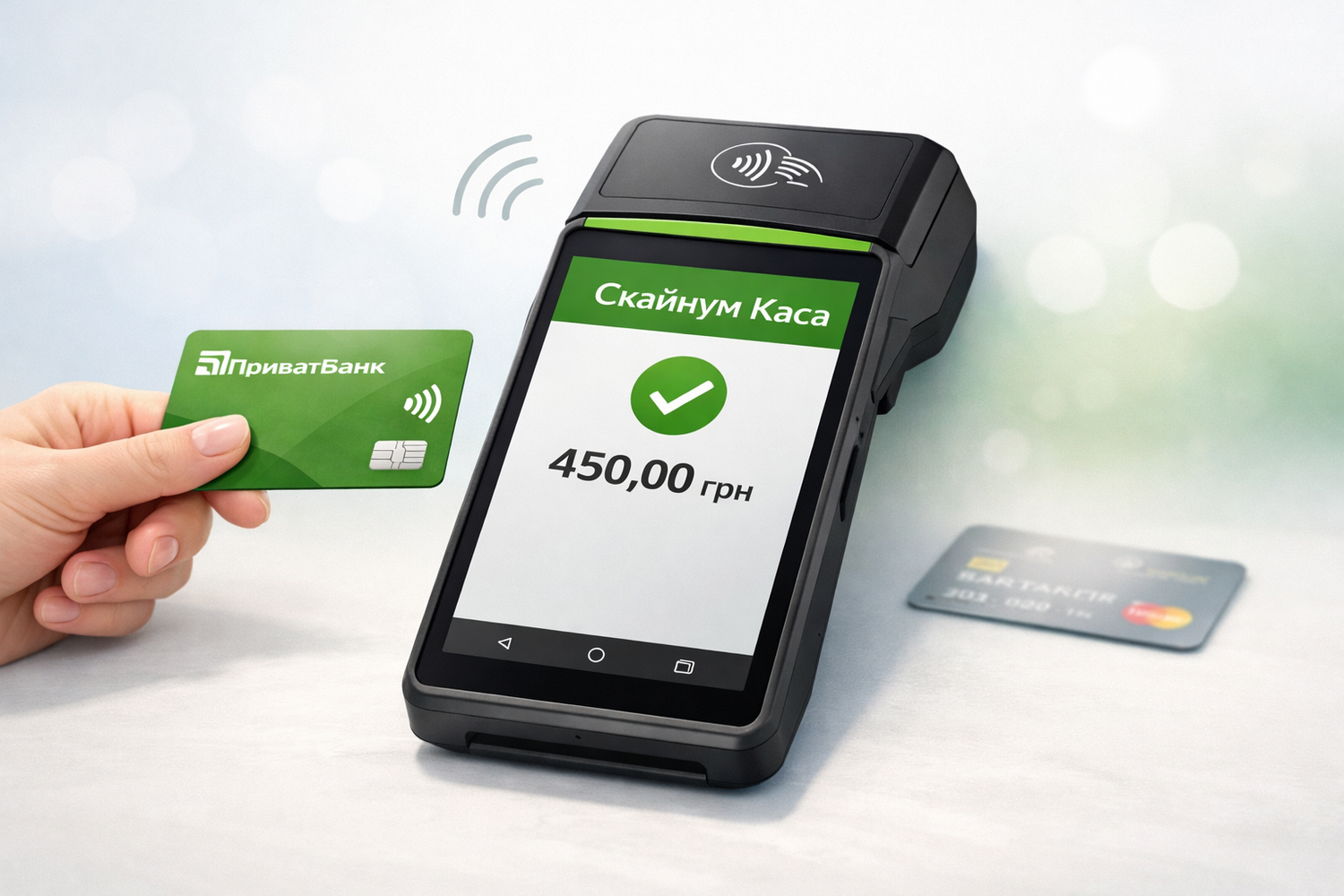
Skynum.Kasa now supports PrivatBank NFC payments. Businesses can accept contactless payments directly on an Android device with NFC, without using a separate банковский terminal.
The integration works both on a regular smartphone with NFC and on Android POS terminals, including SUNMI devices. Payments are processed together with Skynum.Kasa, so the sale and the payment remain within one workflow.
What the new integration gives you
- accept contactless payments directly on an Android device;
- work without a separate payment terminal;
- use less equipment at the checkout;
- make the cashier’s work more convenient because the sale and payment are connected;
- support both in-store and mobile sales scenarios.
This integration is suitable for stores, showrooms, points of sale, delivery teams, and other business formats where speed, mobility, and a compact checkout setup matter.
How it works
The payment is processed through PrivatBank’s Terminal app, while the sale itself is recorded in Skynum.Kasa. This means the cashier does not need to process the sale in one system and the payment on another device separately.
After the integration is configured, the payment amount is transferred to the PrivatBank app automatically, and after a successful payment the user returns to Skynum.Kasa to complete the sale.
Where to find the instruction
We have prepared a step-by-step guide for setup and use: how to connect PrivatBank NFC payments in Skynum.Kasa.
The guide covers PrivatBank-side setup, integration setup in Skynum, configuration in Skynum.Kasa, payment acceptance, and refunds.
New opportunities for business
PrivatBank NFC payment integration expands the capabilities of Skynum.Kasa for businesses that want to accept contactless payments quickly, conveniently, and without extra hardware. It is another step toward making checkout operations simpler and customer service faster.
If you already use Skynum.Kasa, you can connect the new integration and start accepting NFC payments on your Android device.