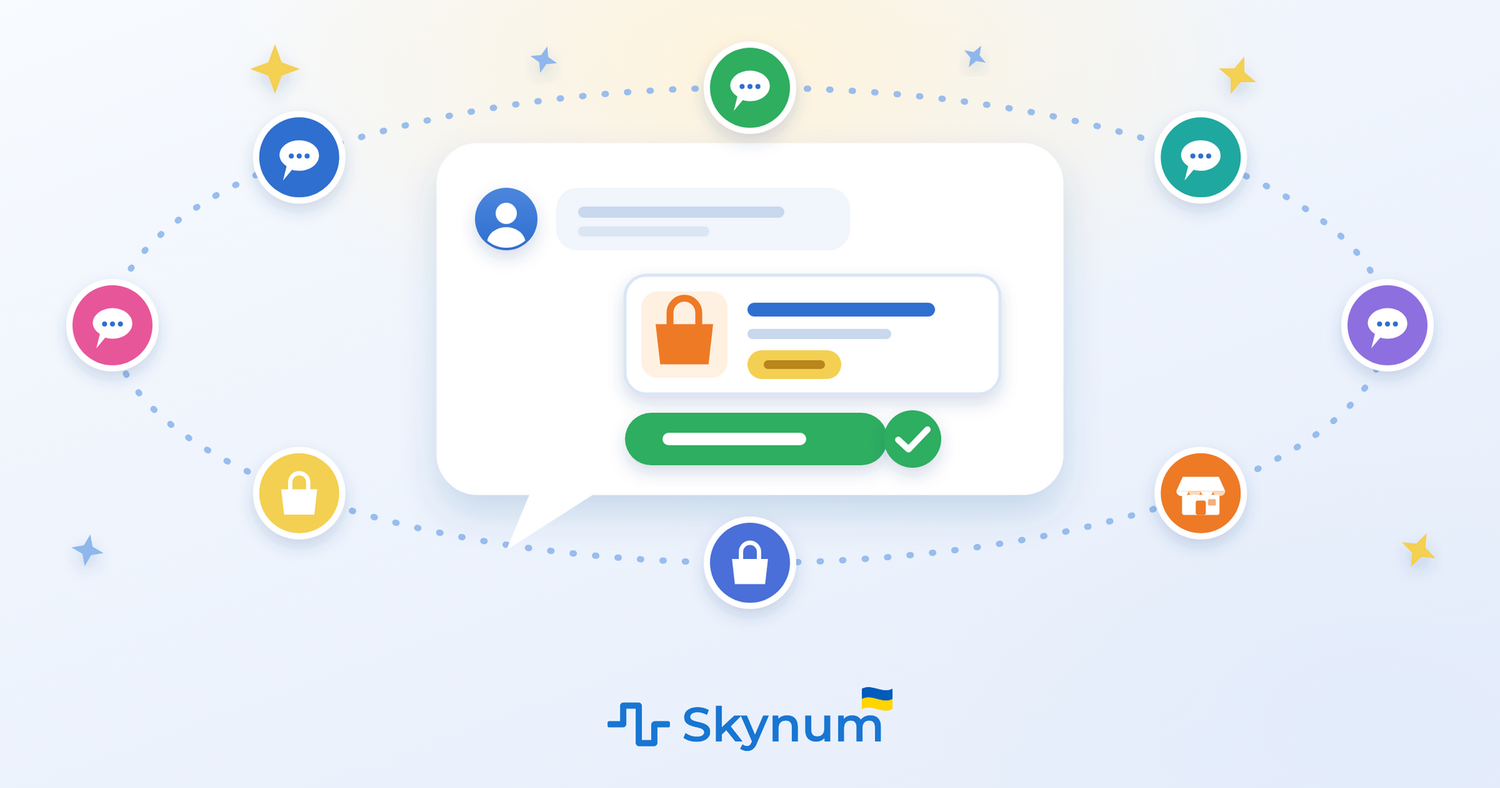
Clients write to you everywhere: on Instagram under a post, on Viber to the store's number, on WhatsApp, on Telegram, on Rozetka and Prom, in the chat on your website. Each messenger is a separate app, often on different phones, and to answer everyone you have to switch between them all day long.
On November 18, 2026, Skynum brought all these messengers together in one window. Instagram, Facebook, WhatsApp, Telegram, Viber, website chat, Prom and Rozetka are now in one window: you see all conversations together and reply from one place, and the client gets the answer where they asked. And next to every conversation there is something no messenger has: who this client is, what they have already bought, how much of the product is in stock and a button that creates an order right from the conversation.
This is rare for an ERP system. An ERP usually handles inventory, money and production, while the company talks to clients somewhere else — on salespeople's phones or in a separate CRM that knows nothing about stock. Skynum is an ERP where conversations with clients stand side by side with accounting: from the first "is it in stock?" to shipment and the money in the report, everything happens in one system.
A store with one salesperson only needs to connect Instagram and Telegram — and reply to clients from the same system where inventory and the cash register are kept. A company with several branches distributes conversations among employees and sees who is replying to whom, and each employee sees only the conversations of their own branch. You can connect as many messengers as you like on any plan.
The main idea of the update: the client writes wherever is convenient for them, and you work in one window — with everything you need to make a sale already next to the conversation.
What Has Changed
All Messengers in One Window
Connect the messengers clients write to you in, and all conversations from them appear in one list:
- Instagram — Direct, plus clients' comments on your posts and their replies to your stories.
- Facebook — messages to the company page and comments under its posts.
- WhatsApp — the company number, connected officially: Meta verified Skynum and granted it Tech Provider status.
- Telegram — the company bot or regular Telegram on the company number.
- Viber — the company bot or Viber on the number clients are already used to writing to.
- Website chat — the Skynum chat, which is installed on your website without a third-party service.
- Prom and Bigl — buyers' questions about products and orders on the marketplace.
- Rozetka — buyers' questions to the seller and conversations about products and orders.
The icon on the client's photo shows where they are writing from. Everyone waiting for a reply is on the New tab, so no client is left without an answer.
You Can See Who Is Writing and What They Have Already Bought
Skynum recognizes a regular client by itself — by the phone number recorded in their card. The client's orders with their statuses are visible next to the conversation, so answering "where is my order?" takes a few seconds.
The whole conversation goes into the counterparty card, on the Communications tab, together with this client's calls and SMS. If telephony is connected, you can call from the conversation with one click, and write to the client from a document, payment or call.
A Product from the Catalog — Right into the Conversation
A client asks about a product — the salesperson clicks the button with a box and chooses it in the Skynum catalog, seeing the stock balance in the warehouse. Skynum composes the message by itself: name, features, price and photos, and with a Skynum online store, also a link to the product in it.
For each messenger you set its own pricing type: a product may cost differently on a marketplace than on Instagram. The same price goes into the order, so the client pays exactly what they were quoted.
An Order Without Leaving the Conversation
The client has made up their mind — in the right panel, click Create → Order. The client, executor, sales channel and branch are already filled in; all that is left is to add the products. Then the order follows the usual Skynum path: reservation, payment, waybill, shipment. And if you need to get back to the client later, create a task from the conversation — the executor will see which conversation it all started with.
Clients' Photos and Documents Do Not Disappear
Skynum copies the photos, videos, voice messages and documents a client sends into its own storage, so they open even when Instagram or Viber no longer shows them. A story the client replied to stays in the conversation after it has disappeared from Instagram. A payment slip or a photo of a model from a client can be opened even a year later.
You Write First
The order is ready, but the client does not answer the phone — the New conversation button lets you write to them first from the company number on Viber or Telegram, or from WhatsApp. The window shows how many new conversations have already been started from this number today, which makes it easier not to exceed the daily limit of Viber, Telegram or WhatsApp.
The Team Works Together
Every new conversation gets a responsible person right away if one is specified in the integration of that messenger. You create conversation statuses to fit your process — "Awaiting payment", "Checking availability" — and the Executor filter shows who is replying to whom.
Search, which finds a conversation by order number or product name, and quick replies help you answer faster: bank details or delivery terms are inserted with one click.
How It Works: One Day in a Store
Here is an ordinary day in a small store where all messengers are already in Skynum.
- In the morning, a client comments on an Instagram post: "Do you have it in size M?". The comment appears on the New tab.
- The salesperson writes to her in Direct and, with the box button, sends the dress in size M: the photo, price and a link to the dress in the online store are already in the message.
- The client agrees. The salesperson creates a counterparty for her, clicks Create → Order and adds the dress — the price is the same as in the message.
- A regular client writes on Viber to the store's number. Skynum finds his card by the number by itself, the salesperson sends him a new product from the catalog, the client takes it — and the salesperson places the order.
- A buyer on Rozetka asks whether the order will ship today. The salesperson opens his order from the "Order #…" label above the message, creates a waybill and replies in the same window.
- The clients have paid, the orders have been shipped. The salesperson marks the conversations as resolved — at the end of the day the New tab is empty.
- The sales report shows revenue, cost and profit separately for Instagram, Viber and Rozetka.
Instagram, Viber and Rozetka — and not once did the salesperson pick up a phone to reply to a client.
Why It Matters
Hundreds of services can gather chats into one window. But a CRM with chats usually stops at the conversation and the request, while inventory, payments and shipments live in another program. ERP systems, on the contrary, handle accounting but do not talk to clients — a messenger in an ERP is still rare. In Skynum, the conversation with the client takes place in the same system as inventory, money and orders, and together with telephony and SMS, all communication with the client is gathered next to accounting.
For business, this means:
- No client gets lost between apps: everyone waiting for a reply is in one list.
- A regular client is recognized from the first message — together with their orders.
- Clients are not offered what is out of stock, and they are quoted the price they will buy at.
- From question to shipment — without another program.
- A payment slip or photo from a client can be opened even a year later.
- You can see how much money each messenger brings in.
The Update in Brief
Which messengers can be connected?
Instagram, Facebook, WhatsApp, Telegram and Viber (a bot or the company number), website chat, Prom and Bigl, Rozetka. Each one is connected in Settings → Integrations → Messengers.
How many messengers can be connected?
As many as you need: no plan limits the number.
How is this different from a CRM with chats?
Skynum is an ERP, and accounting is right next to the conversation. The salesperson sends a product seeing its stock balance, an order from the conversation follows the usual Skynum path — reservation, payment, shipment — and reports count each messenger's money: revenue, cost and profit.
Can I write to a client first?
Yes, from the company number on Viber or Telegram and from WhatsApp — with the New conversation button. In other messengers, the client starts the conversation.
What do I need to set up to get started?
Connect your messengers, and in the Skynum integration of each of them specify the Sales channel and the Default Executor. There is a step-by-step article for each one.
The Update Is Already Available
All messengers can already be connected. Start with the one clients write to you in most often, and reply to your first client from Skynum.
How to work with conversations every day is described in the article Messenger. How to connect Instagram, Viber or another messenger is explained in the articles Instagram, Facebook, WhatsApp, Telegram, Viber, Website chat, Prom and Rozetka. The help with all fields and buttons is in the Messenger section of the help centre.
Skynum continues to develop an ERP platform in which the conversation with the client, the order, inventory and money are one process.