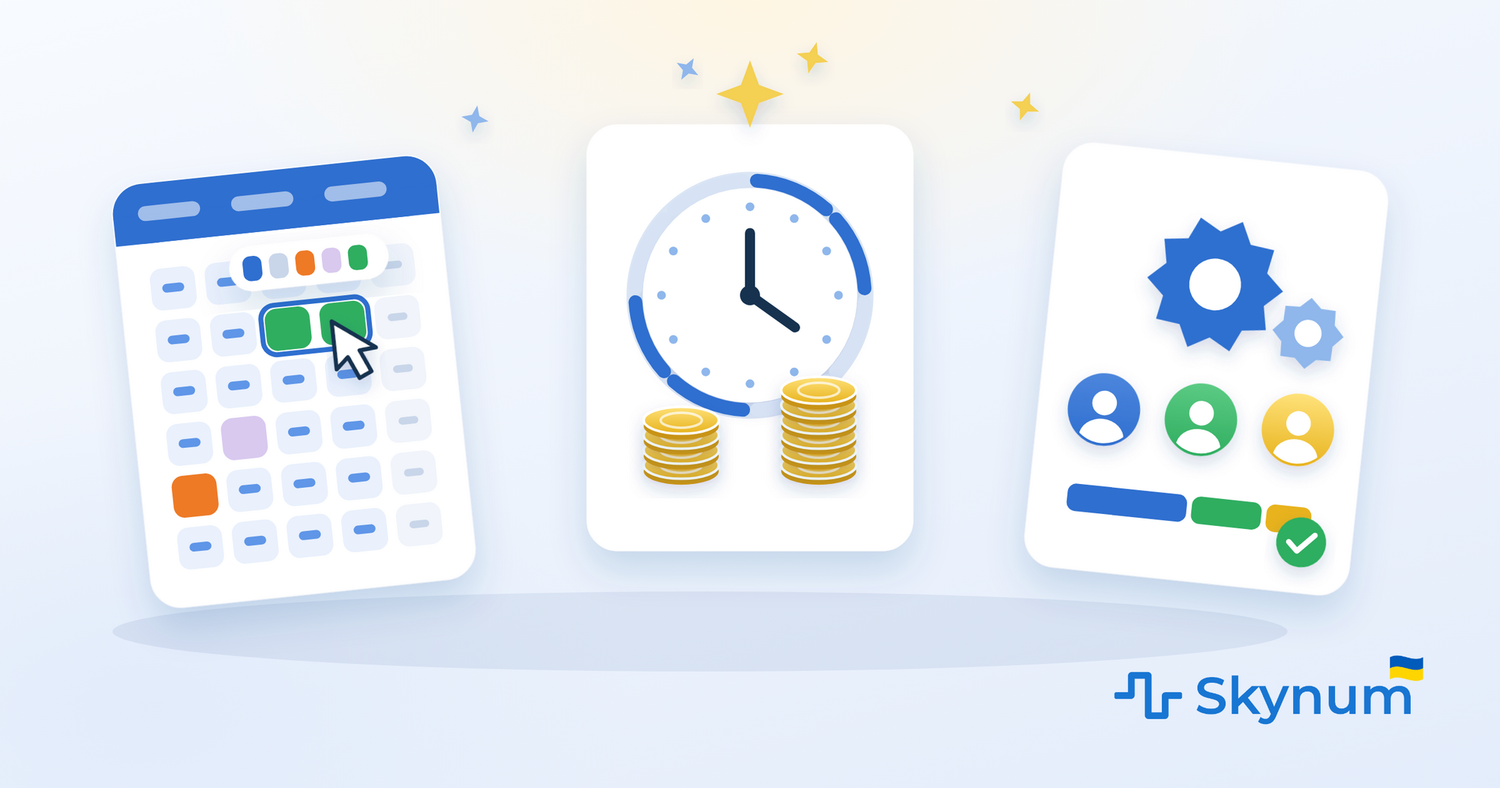
In November 2026 Skynum released an update to the salary module that we call Salary 2.0. Three new features — an interactive timesheet, pay for days and hours worked with shifts, a piecework work order from production — and dozens of small things that together make payroll a simple monthly routine.
We designed salary for small and large businesses alike — and that is not a slogan. A shop with three employees sets up nothing: work schedules, taxes, the expense item and the advance method are already there; all that is left is to hire people and create a timesheet. A company with branches, departments and a workshop gets what it needs: payment sheets by department, shift patterns for every shift worker, brigade distribution in production, files for several banks, copying rules to a whole department, importing employees from Excel and access rights for every document type. One module, with no "small business edition" and "enterprise edition".
Salary is the part of accounting where a mistake is noticed immediately and costs relationships with people. So in this update we pursued two things at once: a powerful module that is easy to use.
The main idea of the update: salary is calculated from what is already in the system — the schedule, the timesheet, sales and production. The accountant records facts, and Skynum builds the amounts, documents and taxes itself.
What exactly is new in Skynum
Interactive timesheet
The timesheet is our clients' most frequent request, and we built it the way they asked. Skynum builds the month's timesheet from the work schedules, and then the accountant works in it directly: selects days with the mouse and clicks what they were — vacation, sick leave, absence, day off, short day. Every mark immediately becomes a primary document with dates and an amount and is immediately taken into the salary calculation.
For salaried employees the timesheet shows which days are part of the month's norm and which are not, so a holiday or a day off does not reduce the salary. An HR officer who prefers working with documents creates the vacation or sick leave in primary documents — the result is the same, in the timesheet.
Pay per day and per hour, shifts by pattern
Skynum now has four payment types: monthly, daily, hourly and piecework. A cashier can be paid per shift and a security guard per hour, with no separate spreadsheets: the rate is set in the employee's career, and the days and hours worked are taken from the timesheet.
For shift workers there is now month marking by pattern — 2 on / 2 off, 3 on / 3 off, every other day, 5 on / 2 off or your own. One button — and the month is marked with working shifts and days off from the date of the first shift. If a shift turned out longer or shorter, the actual hours are corrected right in the timesheet. The advance for such employees is also calculated from the timesheet — for the shifts and hours of the first half of the month.
Piecework work order from production
Production and salary have become one process. Rates for operations are set once, the product's datasheet says how many operations a unit takes, and every production document calculates the cost of work for the batch itself. A piecework work order is created from it.
In the work order the amount of each operation is distributed among the workers — by labour participation coefficient or by the number of units made. One operation can be done by a whole brigade: each gets their share, and the amount of the operation does not change. The work order and production are always in step: while the work order is not activated, Skynum refreshes its amounts from production, and after activation it does not let the batch be changed. The social contribution on piecework pay goes into the product cost with a single parameter — no separate expense items and no manual arithmetic.
Powerful and easy at the same time
The fourth direction of the update is the small things that remove extra steps from monthly work:
- A new employee is hired with a single card: the working conditions are entered at once, and the first career record appears by itself.
- Work schedules are extended into the new year automatically when a timesheet is created.
- A raise, a transfer and a dismissal are a new career record in which the position, department, schedule and expense item are carried over from the previous one.
- Advance and payroll payment statements fill themselves in — by payment method, with a bank file in the Privat24, Ukrsibbank, Pumb and iBank2 formats and a printed form for the cash desk.
- Tax payments are created with the amount the budget expects right now and activated — two buttons for the whole month.
- Calculation rules are copied to a whole department, employees are imported from Excel, alimony becomes a debt to the recipient in Counterparties and is closed with an ordinary payment.
- The percentage of sales is calculated from receipts and invoices for selected product categories, for the accounting or the previous month, and checked with a report.
A month of salary from the first employee to the payout
The scale of the update is best seen over a full month of a small shop.
- The accountant hires four employees: an administrator on a monthly salary, an accountant on half-time, a cashier paid per shift, a security guard paid per hour. One card each; the career and tax rules appear by themselves.
- At the start of the month a timesheet is created. The cashier is marked with the "every other day" pattern, the guard with "2 on / 2 off".
- In the middle of the month an advance statement is created: Skynum adds everyone and calculates each person's advance for the days and shifts worked. The file goes to the bank, the statement goes to "paid".
- The administrator is sick for three days — the accountant selects the days in the timesheet, clicks "sick leave", enters the day price. The document is created, the salary is recalculated.
- The workshop closes a batch — a work order is created from the production document, the assembly is split between two workers by coefficient, and activated.
- At the end of the month — calculation, confirmation, payroll payment statement. The amounts already account for the advance, the sick leave and the work order.
- Taxes — two buttons. The "Turnovers" report shows: no debts at the end of the month.
No Excel, no manual recalculation, and every figure shows what it is made of.
Why this is an important stage for Skynum
Salary is a rare module for trade and production accounting systems: accounting usually ends at sales and stock, and people are counted somewhere else. In Skynum salary lives in the same accounting as the cash desk, the bank, sales and production — and works the same for three employees and for three hundred. That is why the advance becomes a payment in finances, the percentage of sales takes receipts from the cash register, the work order takes works from production, and the social contribution goes into the product cost.
For companies this means:
- The timesheet is kept with the mouse, not with documents, and creates the documents itself.
- You can pay per month, per day, per hour or per unit produced — in any combination.
- Production and salary are one process: the batch calculates the cost of work itself, the work order splits it among the brigade.
- The month is closed in a few clicks: timesheet, advance, calculation, statement, taxes.
- Every amount in the salary matches the cash desk, the bank and the product cost, because it is one system.
- A small business sets up nothing, and a large one lacks nothing: departments, branches, shifts, brigades, banks.
The update in brief
What is the interactive timesheet in Skynum?
It is a timesheet built from the work schedules in which vacations, sick leaves, absences and days off are marked by selecting days and clicking one button. Every mark immediately becomes a primary document and is taken into the salary.
Can employees be paid per shift and per hour?
Yes. Besides monthly pay there is daily and hourly pay: the rate is set in the career, shifts are marked in the timesheet by pattern, and the calculation and the advance take the days and hours worked from the timesheet.
How does the piecework work order work?
Rates for operations and the product's datasheet are set once. The production document calculates the cost of work for the batch and creates a work order; in the work order the amount is split among the workers by coefficient or by quantity, including within a brigade. The social contribution on piecework pay can be included in the product cost with a single parameter.
Which businesses is this update for?
Any business with employees. A shop with a few employees goes through the month in five steps with no setup. A chain with branches, departments and production keeps payment sheets by department, shifts by pattern, work orders by workshop and files for several banks — in the same module.
Does anything need to be set up to start?
No. A new company already has work schedules, an expense item, payroll taxes and an advance method. Hire your employees, create a timesheet — and follow the month.
The update is available now
The new features are already working in Skynum. Create a timesheet for the current month, mark one real event in it and see how the calculation changes — the rest of the month goes the same way.
The whole path is described step by step in Salary: from the first employee to the payout, and individual topics in Timesheet, Daily and hourly pay, Piecework work order, HR events, Salary payment and Percentage of sales in salary.
Skynum continues to develop a single ERP platform in which sales, production, finance and people remain parts of one managed process.